Quick Links
One of the most exciting feats of skill in baseball is the double play. The coordination between a group of players working together as they effortlessly flip the ball around the diamond is a sight to behold. While it may be difficult to pull off in real life, games likeMLB The Show 24make maneuvers like this a breeze with its throwing mechanics.
Sony San Diego’s MLB title offers three different throwing interfaces to choose from, plus an automatic option if you don’t want to control players manually. Find the option that’s best for you, and you’ll be throwing out runners like a pro.
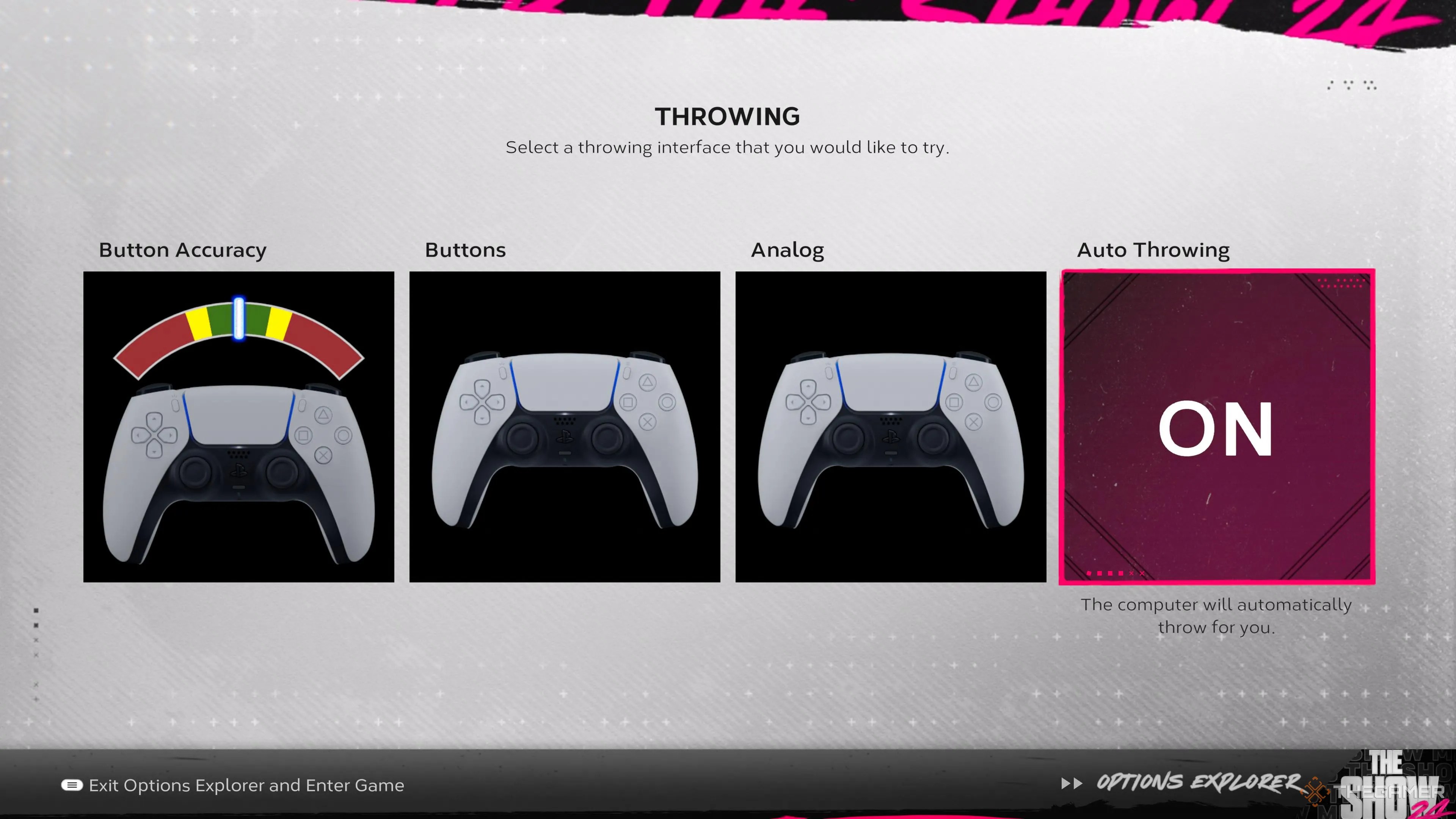
Button Accuracy
The button accuracy interfacerewards perfectly timed button presses with precise throws. Whenever one of your players gets their hands on the ball,you’ll throw to a base by pressing the corresponding face button. These controls are:
When you select your base,a meter will pop up on top of your controlled player, looking like a red and green stripe, with a white line scrolling across it quickly.

To make a successful throw, you’ll need torelease the button when the white line is in the green zone. If you fail, you’ll have an errant toss either going over someone’s head or missing them completely.
Yes, this interface incentivizes skillful play more than the others, but it alsointroduces a lot more risk.
It can be nice to make an incredibly hard throw and get an out due to your timing and reflexes, but you could just as easily screw up a routine play because you released a button slightly off tempo.
Buttons
The button interface is almost exactly the same as button accuracy with one crucial change:you don’t have to worry about timing. Simply select your base and the ball will be thrown to it.
Choosing buttons over button accuracy willsacrifice your ability to make extreme off-platform throwsdue to your excellent timing, but this is a rare situation to begin with.
Every player on these teams is a professional; they’re rarely going to miss throws, and if they are, it probably isn’t a throw you want to be attempting anyway.
When it comes to button accuracy versus buttons, you’ll need to ask yourselfif the ability to make an incredibly difficult throw is worth the risk of messing up easy onesor if you would prefer the consistency of just selecting a base and having players take care of themselves.
Analog
Unlike the previous two control schemes,analog swaps button controls for the Right Stick. You’ll be pointing it in different directions to throw the ball across the diamond. The bases correspond to:
Otherwise,it’s much the same as the button interfacesince you won’t need to worry about any timing mechanics.
Auto Throwing
If you don’t want to think about throwing at all,you’re able to choose to have the AI do it for you. You won’t have to worry about making a mistake,but you’re also at the mercy of the AI’s competence.
Additionally,you can’t exercise any control over where the ball is thrown, meaning your team may deviate from your preferred fielding strategies.
Which Interface Is Best For You?
The best throwing interface is certainly up for debate, but for our money,it’s buttons. The button accuracy system simply opens you up to too much risk,potentially botching easy playsthat would be automatic if you didn’t have to worry about timing your inputs with a gauge.
Analog could be a passable alternative, butusing a stick to throw just feels more awkward than it should. Plus,buttons will always be a more precise input method, and you won’t need to worry about missing the correct angle with your stick or drift of any kind.
