Quick Links
Video games have always been about fulfilling the fantasies of their players. While many want to fight dragons or fly spaceships, others have dreams based slightly more in reality, like becoming a professional baseball player.
Creating yourself in a sports game’s character creator has long been a staple of the genre, butMLB The Show 24offers something even better: scanning your face into the game. It uses a companion app to let you play as an accurately(ish) modelled version of yourself in the baseball sim.
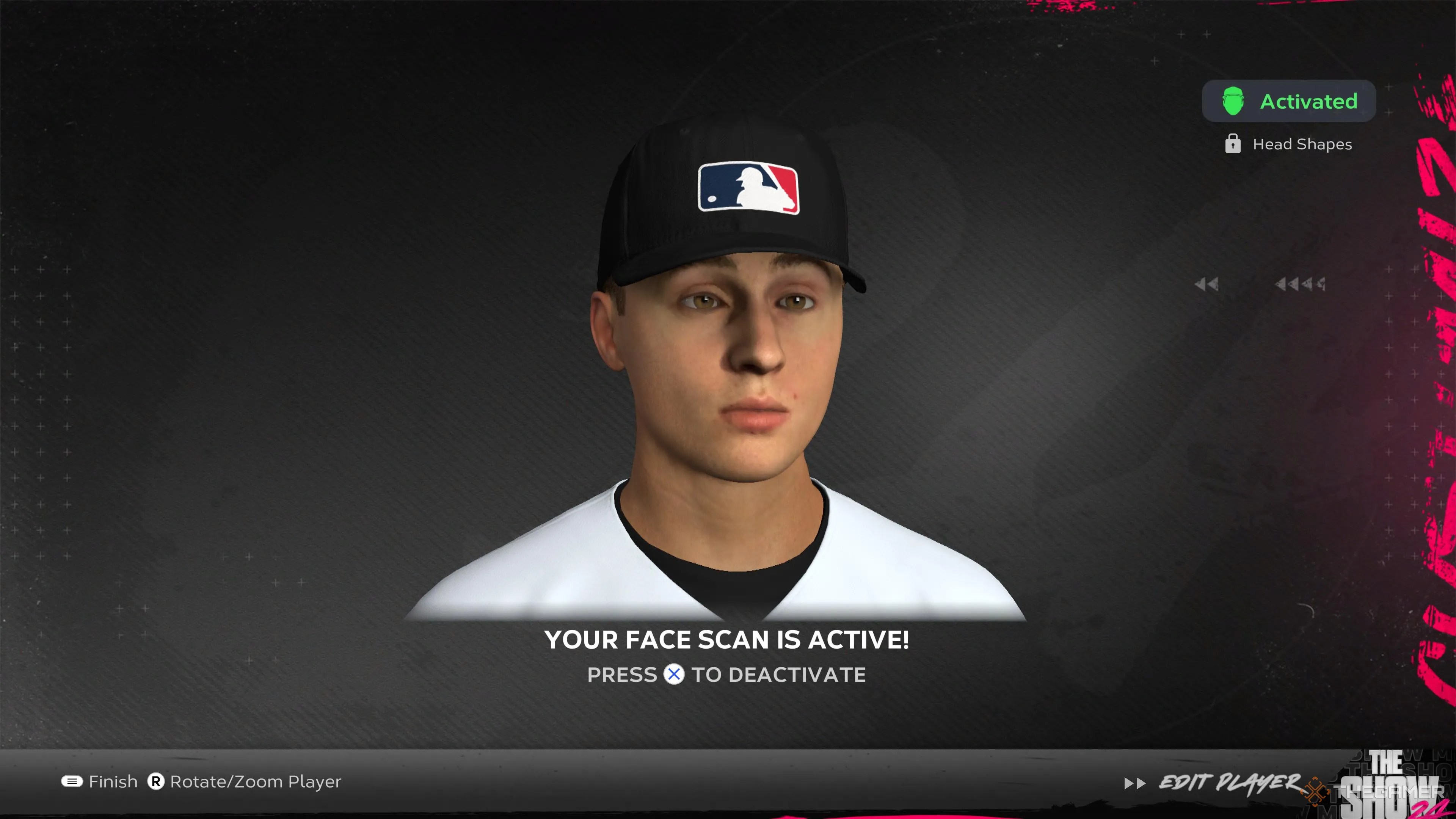
How To Scan Your Face Into MLB The Show 24
Scanning your face into the game is a multistep affair. You’ll need a smartphone, your console of choice, and an internet connection to complete the process.
The first thing you’ll need to do isdownload The Show’s companion appto your phone. Its official name is"MLB The Show Companion App", and it’ll take up around 100 megabytes of your storage. Along with putting your face into the game, you’ll also be able to manage your Diamond Dynasty team, buy virtual card packs, and read news about the latest content drops.

Take A Selfie
After signing in to the app via your console account, your Show 24 progress will be displayed, and you’ll have access to the full suite of features.Click on the “24” in the bottom right-hand corner, and you’ll be greeted with the face scan feature at the top of the menu.
You’ll be prompted todownload the face scan add-on. This is an additional 156 megabytes. After it has downloaded, you will be able totake a selfie that will be mapped onto your in-game model. It’s recommended that youtake the selfie in good lightingandremove any hats or anything that could cover your face. You may want topull your hair back to better expose your face and forehead.

If you aren’t happy with your in-game face, or just feel like you took a bad photo,you can take another selfie in the app and replace your old face scanwith a new one.
Apply Finishing Touches In The Show 24
After you take your selfie,the photo will be processed and shared with your console. When you enter Road to the Show and begin to create your character,you will be given the option to import your face scan. Will it be perfect? Probably not, butit’s a fun option for those who want to experiment.
You need tomanually add certain features like hair, and will be given the option to alter aspects of your face to your liking. Once you’ve finished editing,you’ll be ready to start Road to the Show.

