Content Warningis a first-person content-creation horror game whereyou and your friendsexplore the creepy Old World in hopes of filming scary videos for internet fame. However, amidst the excitement of uploading your video to grab views, encountering a ‘Failed To Extract’ bug after a dangerous session can be incredibly frustrating.
The ‘Failed To Extract’ error prevents you from retrieving footage from your camera. It occurs when you’re back in the New World and trying to extract the video you’ve captured using the Video Extraction Machine. Here’s how you can work around this bug and avoid it in future Content Warning sessions.

How To Fix ‘Failed To Extract’ Error in Content Warning
While it’s still unclear what causes the ‘Failed To Extract’ error, this bug affects a vital part of the game – uploading videos to SpookTube andearning money from viewsand engagement. Unfortunately, there is no real way to fix this error other thanending your current session and creating a new lobby.
However, the devs at Landfall Games are aware of this bug and have provided players with a way to debug and extract the video. If you want to recover your footage and watch it back, simplypress F3on your keyboard. Doing so will open up aWindows folderof all your recorded videos from the current session. you’re able to move these to another location and play the recorded footage for yourself.
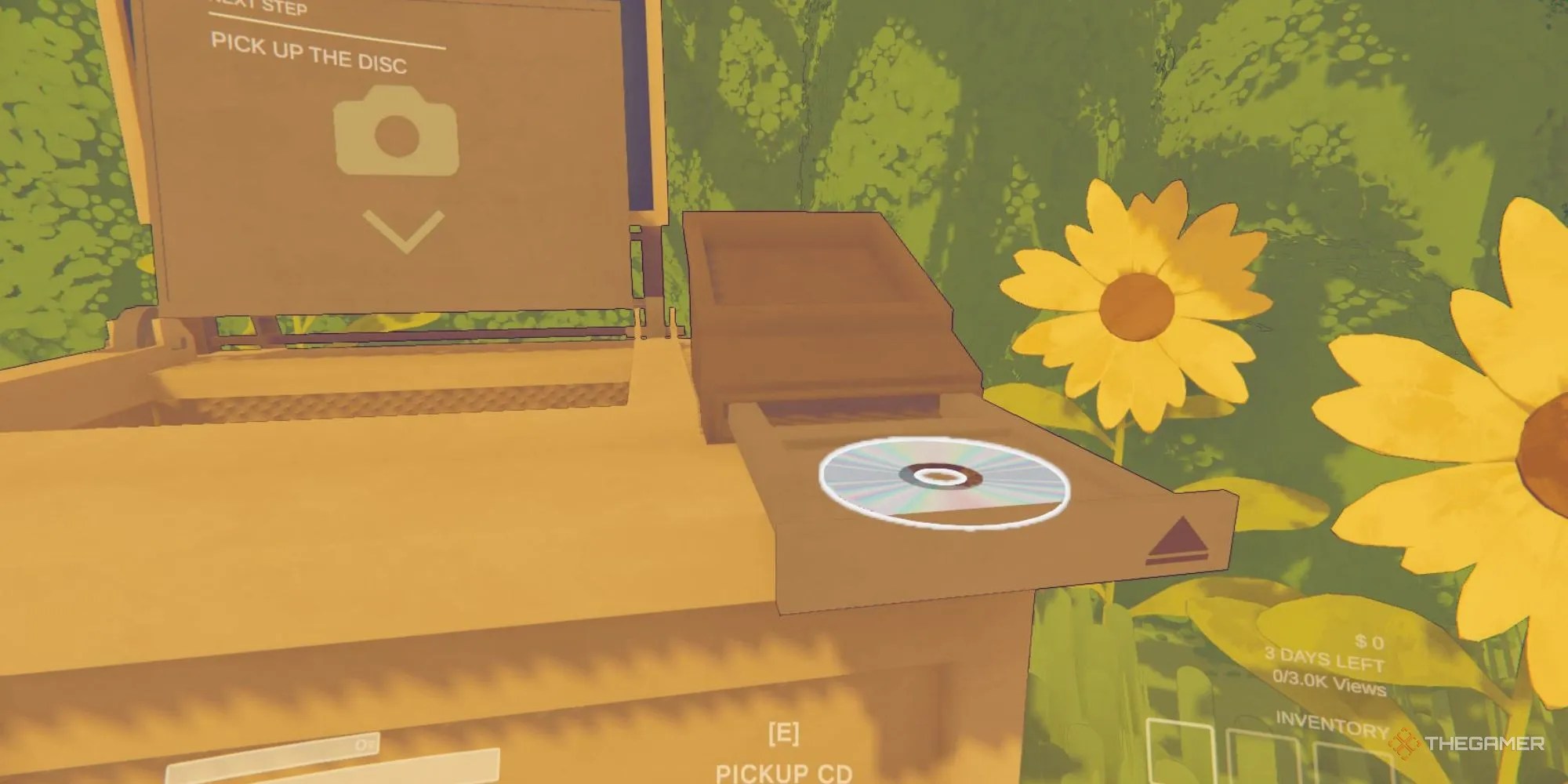
This method only works for recordings in the current session of the game, so you will not be able to recover footage this way if you already exited Content Warning.
How To Prevent ‘Failed To Extract’ Error in Content Warning
Hopefully, the ‘Failed To Extract’ error will be permanently fixed in a future update for Content Warning. In the meantime, you can try your best to prevent the error from occurring. Here are a few ways you can avoid the ‘Fail To Extract’ error.
